
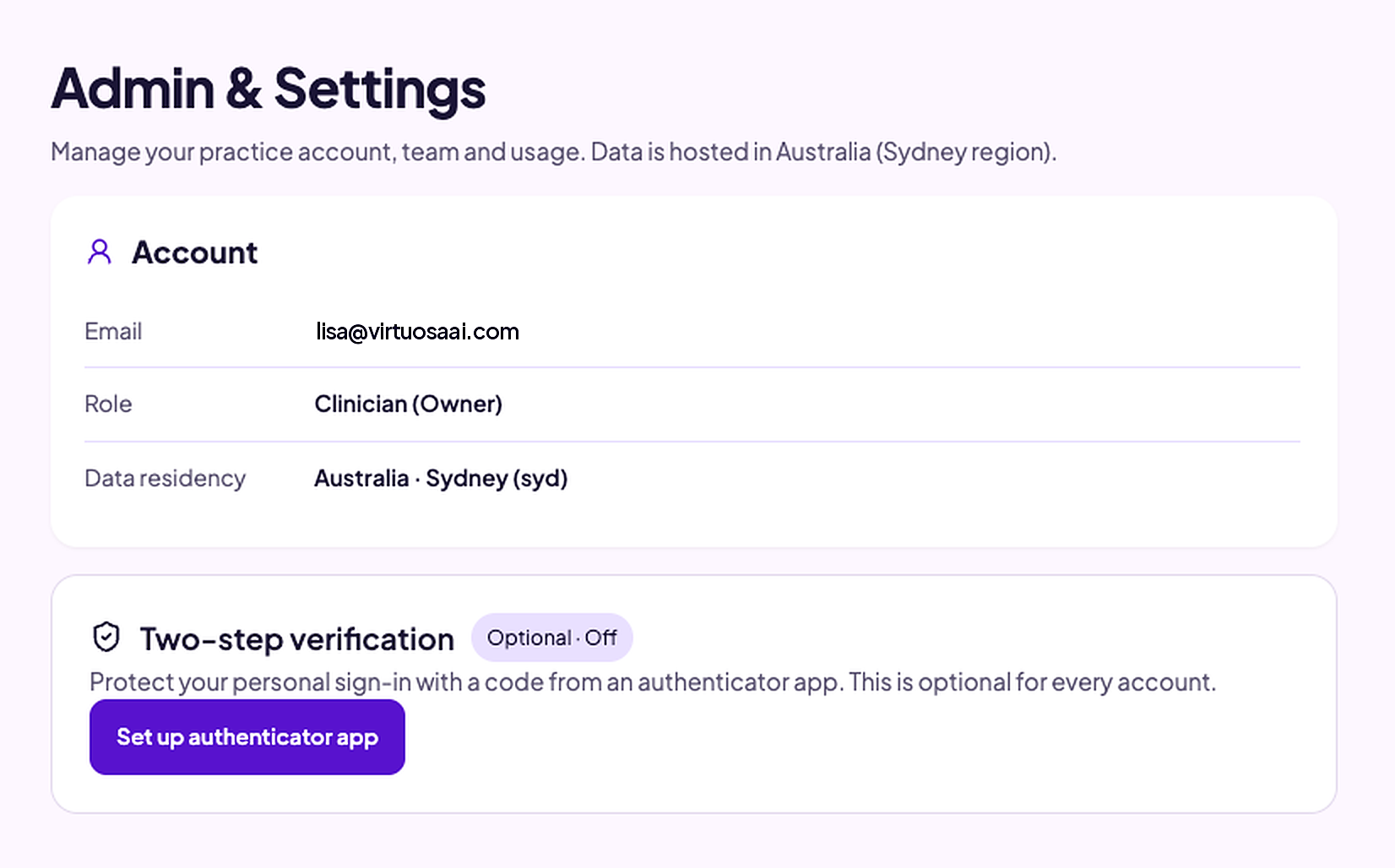
Two-step verification in Virtuosa: where to find it and why it’s worth two minutes of your time
- Go to Admin
- Go to click on double authentication settings
- Connect to your authenticator
- Test to ensure it is working
We handle some of the most sensitive information there is: client histories, injury details, medicolegal opinions. So it makes sense to lock the front door properly.
Virtuosa offers two-step verification (sometimes called two-factor or double authentication). Once it’s on, signing in needs your password plus a short code from an authenticator app on your phone. If someone gets hold of your password, they still can’t get in without your phone.
Where to find it
Log in to Virtuosa and go to Admin & Settings.
Below your Account details (your email, role and data residency), you’ll see a card called Two-step verification. If it hasn’t been set up yet, it will say Optional · Off.
Click Set up authenticator app and follow the prompts.
You’ll need an authenticator app on your phone, such as Google Authenticator or Microsoft Authenticator.
Is it compulsory?
No. Two-step verification is optional for every account. But if you write psychological reports, it’s a sensible step, and it shows you take client privacy seriously.
A quick reminder while you’re there
The same page confirms where your data lives: Australia, Sydney region. Your data is stored onshore, and it’s there in black and white if anyone asks.
It takes about two minutes, and then you never have to think about it again.